Premium Colon Hydrotherapy Machine | MAIKONG Manufacturer
About Us| Contact Us

Designing a Patient Intake Workflow That Works with MAIKONG Closed Colon Hydrotherapy Systems

» BLOG » Designing a Patient Intake Workflow That Works with MAIKONG Closed Colon Hydrotherapy Systems

Designing a Patient Intake Workflow That Works with MAIKONG Closed Colon Hydrotherapy Systems

October 23, 2026

Designing a Patient Intake Workflow That Works with MAIKONG Closed Colon Hydrotherapy Systems — colon hydro gerät preis,colon hydro therapie geräte preise (31).JPG
Designing a Patient Intake Workflow That Works with MAIKONG Closed Colon Hydrotherapy Systems · body

Quick answer

Build a concise, device‑aware intake that (1) captures identity, focused medical screening and signed consent before the visit, (2) records the intended infusion/medication type and dose so the therapist can enter those values into the MAIKONG UI, (3) runs a short room handoff checklist that verifies device temperature, filtration and alarm settings, and (4) preserves a single post‑session record (session settings, alarms, and clinician notes). This one‑page workflow reduces handoffs and maps each intake field to the MAIKONG controls and alarms so staff can start sessions without guesswork.

Contents

Why a device‑aware intake workflow matters for patient safety and throughput

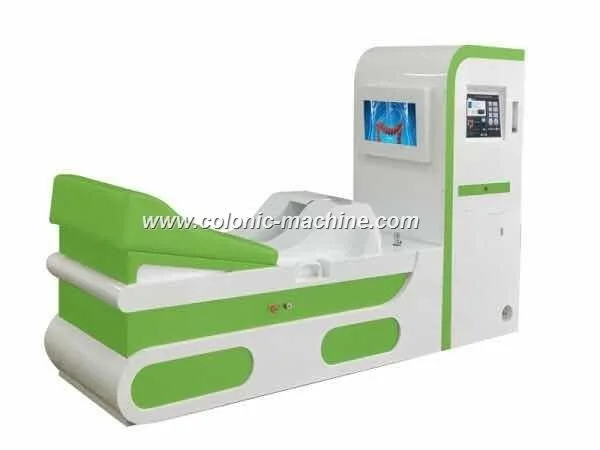
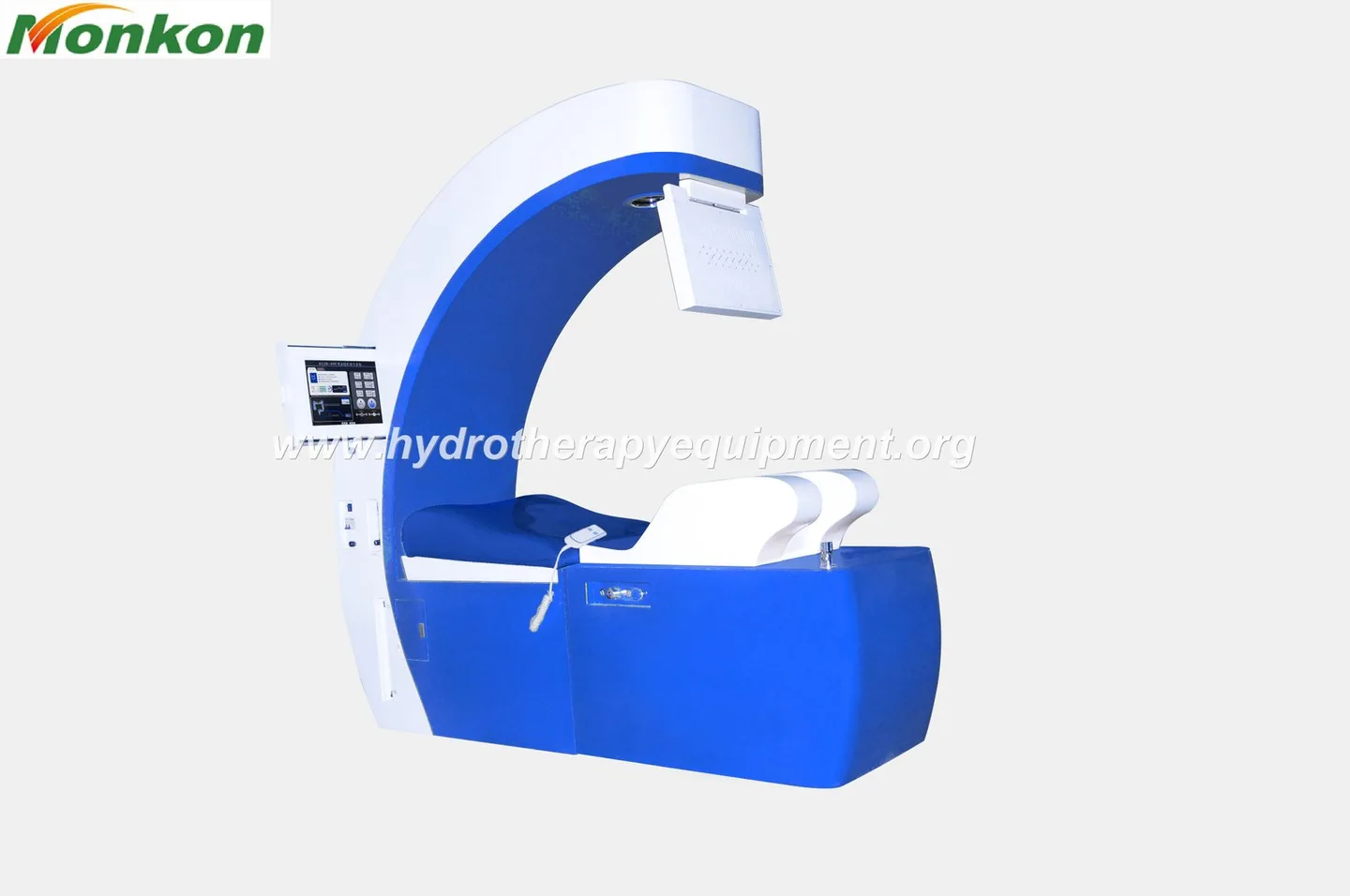
Colon hydrotherapy clinics run more predictably when intake is designed around the device the therapist will use. MAIKONG systems expose operational limits—temperature controls, flow ranges, pressure alarms and liquid‑dosing controls—that the therapist must know before the patient is in the room. If intake omits the infusion type, dose or contraindications, the therapist stops work to confirm details, which raises idle time and increases error risk. A device‑aware intake reduces interruptions and makes alarm responses straightforward because the team already agreed which settings the device should be using for that patient.

Primary intake objectives to meet before any MAIKONG session

  • Identity & contact: legal name, DOB, phone, emergency contact.
  • Focused screening: recent abdominal surgery, active GI illness, pregnancy status, implanted devices, anticoagulant use, allergies.
  • Treatment plan: requested treatment type, any infusates (coffee, probiotic, medicated solutions) and approximate dose to be delivered.
  • Baseline vitals and observed checks: blood pressure, heart rate, and clinician confirmation that no acute contraindication exists.
  • Consent and data‑privacy acknowledgment, including camera/recording if the MAIKONG system’s camera will be used.

Required patient data fields and where they map to MAIKONG features

Map intake fields to a single “device handoff” line on the intake form so the front desk and therapist share one source of truth.
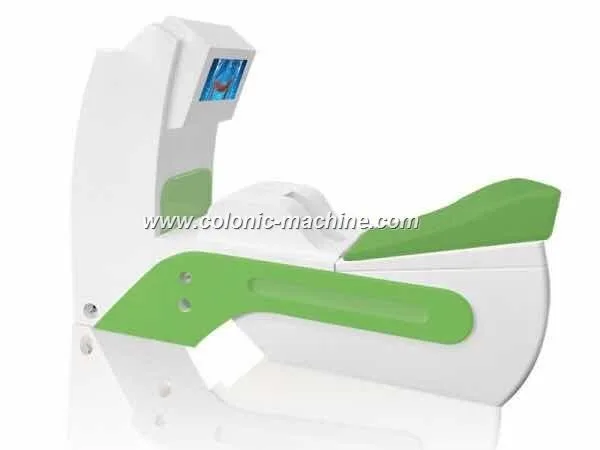
  • Treatment code / session type → Enter on MAIKONG UI before start.

Step 1 — Pre-visit communication and screening (what to collect and why)

Designing a Patient Intake Workflow That Works with MAIKONG Closed Colon Hydrotherapy Systems — colon hydro gerät preis,colon hydro therapie geräte preise (13).JPG
Designing a Patient Intake Workflow That Works with MAIKONG Closed Colon Hydrotherapy Systems · body

Use an intake call or secure email form to collect the focused screening and the planned infusion. Confirm the patient’s ability to lie on the treatment bed and whether they expect to receive any added medication. If the patient identifies a contraindication (recent bowel surgery, pregnancy, severe cardiac disease), route the booking for clinical review rather than automatic scheduling.

Why this matters: pre-entering the infusate and dose removes ambiguity at handoff and avoids mid‑session pauses while the therapist chases paperwork.
Designing a Patient Intake Workflow That Works with MAIKONG Closed Colon Hydrotherapy Systems — colon hydro gerät preis,colon hydro therapie geräte preise (105).JPG
Designing a Patient Intake Workflow That Works with MAIKONG Closed Colon Hydrotherapy Systems · body

At arrival the front desk should verify ID, confirm the pre‑visit screening answers, take baseline vitals, and collect consent. Consent must include:

  • Signature for the procedure and for camera recording if applicable;
  • Confirmation of the specific infusate and dose recorded on the intake form;
  • Data‑privacy acknowledgment for any image or session exports.

Digital consent is acceptable where the clinic’s record system captures the signed file and links it to the patient chart. For paper consent, scan and attach to the electronic chart before the therapist begins the session.
Step 3 — Clinic vitals, contraindications and device limits (how to use MAIKONG parameters)

Designing a Patient Intake Workflow That Works with MAIKONG Closed Colon Hydrotherapy Systems — colon hydro gerät preis,colon hydro therapie geräte preise (27).jpg
Designing a Patient Intake Workflow That Works with MAIKONG Closed Colon Hydrotherapy Systems · body

Before connecting the patient the therapist should confirm three device-led limits against the intake record:
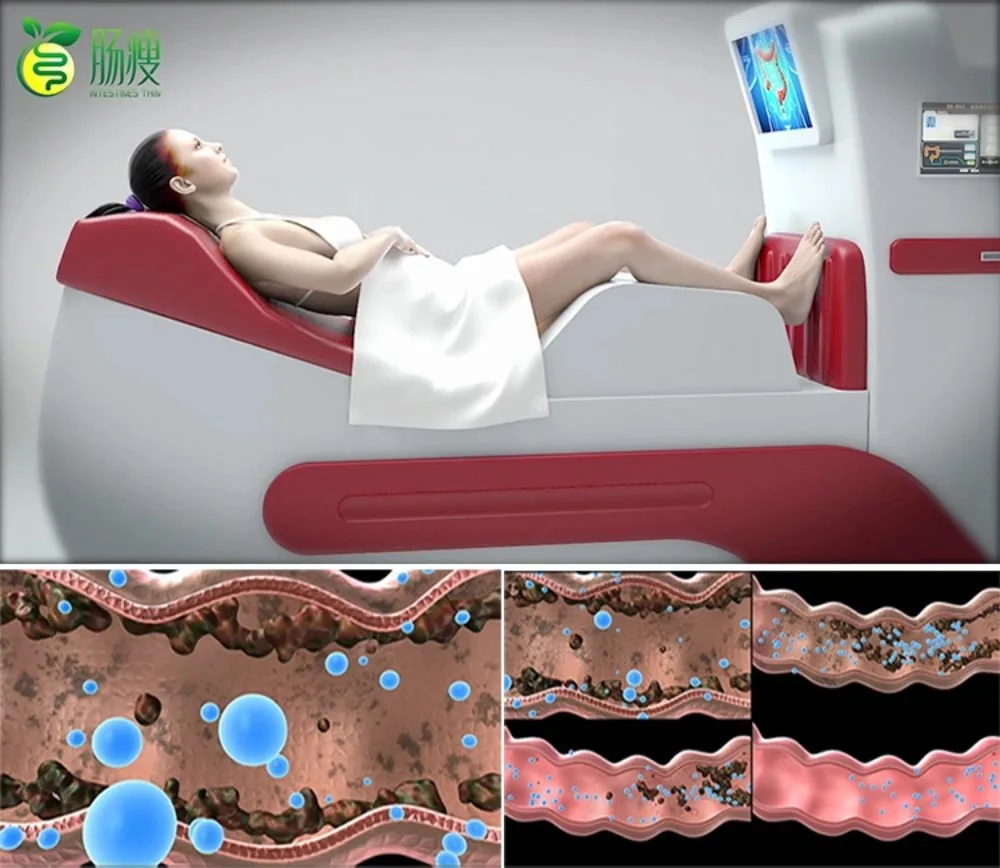
Step 4 — Device setup and UI checkpoints before starting (dual‑screen, temperature, filtration, infusion dosing, camera and pressure alarm checks)

Designing a Patient Intake Workflow That Works with MAIKONG Closed Colon Hydrotherapy Systems — colon hydro gerät preis,colon hydro therapie geräte preise (13).JPG
Designing a Patient Intake Workflow That Works with MAIKONG Closed Colon Hydrotherapy Systems · body
  • Camera & privacy: if camera use is planned, confirm camera feed on observation screen and that recording consent is present in the chart.
  • Alarms: confirm pressure and temperature alarm thresholds and audible alerts are working; perform a quick alarm‑test if the device manual permits.

Step 5 — Real‑time monitoring during treatment and alarm response steps (pressure, temperature, liquid exhaustion)

Make the alarm response concrete in your SOP: pause therapy, reduce flow, check tubing and connectors, review the intake contraindications, and escalate to clinical supervisor if the patient shows distress. If the alarm indicates liquid exhaustion, replace the infusate only after confirming the original dosing and consent; do not improvise infusates without prior consent and charting.

Step 6 — Post‑treatment record, disposal and patient aftercare instructions

Capture a single session record that includes: start/end time, device model and key settings (temperature, flow, total perfused volume), any alarms and remedial actions, infusate used and dose, clinician name and patient aftercare instructions. If your clinic retains camera footage, document the storage location, retention period and who accessed the file. If the MAIKONG device offers export of logs or images, map that export name convention to your charting system (note: specific export formats were not supplied; see the “risks” section below).

MAIKONG‑specific evidence summary: supplied device facts that affect intake workflow

Below are the supplied device facts we used when mapping intake fields to device controls. These are company‑provided specifications.

Model Temperature range Flow range Notable UI / safety features
MAIKONG MK‑560 38℃~41℃ 0~1.5 L/Min Temperature control, water pressure spec 0.6Pa, total power ≈2000VA, built‑in constant temperature and filtration (company spec).

Source: MAIKONG product facts and technical descriptions on our product pages. For installation and electrical specifics consult the device manual for the exact model you own; the product page also lists declared certifications and warranty terms.

Limitations and risks you should keep in mind

  • We do not have model export/import format details in the supplied materials. If you require automated EHR integration or device log export, request the model manual or a software export spec before automating your charting workflow.
  • Company‑declared certifications are part of our product description. Treat these as manufacturer statements and confirm any regulatory acceptance you require for clinical use in your jurisdiction.

Quick implementation checklist for staff training and role allocation

  • Front desk: collect pre‑visit screening, confirm infusate and dose, obtain consent; attach consent to chart before therapy start.
  • Therapist: verify device settings match intake (temperature, dose, flow), run device UI checks, confirm camera consent, and start session.
  • Clinical supervisor: handle contraindication overrides and alarm escalations.
  • Clinic manager/IT: define naming conventions for any saved logs or images, and request device export spec if you plan automated EHR imports.
  • Training: tabletop drill for alarm conditions (pressure exceedance, liquid exhaustion, over‑temperature) so staff follow the same steps during an event.

One useful next step

Disclaimer: This content is provided for learning and professional communication only. It is not medical advice and is not a basis for treatment. Confirm device operation, data export capabilities and purchasing requirements against the device manual, local regulations and qualified professional guidance.

This content is provided for learning, information sharing and professional communication only. It is not medical advice and is not a basis for treatment or diagnosis. Confirm suitability, operation and purchasing requirements against the product manual, local regulations and qualified professional guidance.

If you want a tailored intake form and a room‑handoff checklist configured to your MAIKONG model, request a workflow review and demo. Contact us at lucy@comparable provider.us or call/WhatsApp +86 13570907401 to request a configuration review and quote.

Related resources


Contact us online by Whatsapp:

Maybe you like also

  • Categories

    • No categories